
 Image 1 of 1
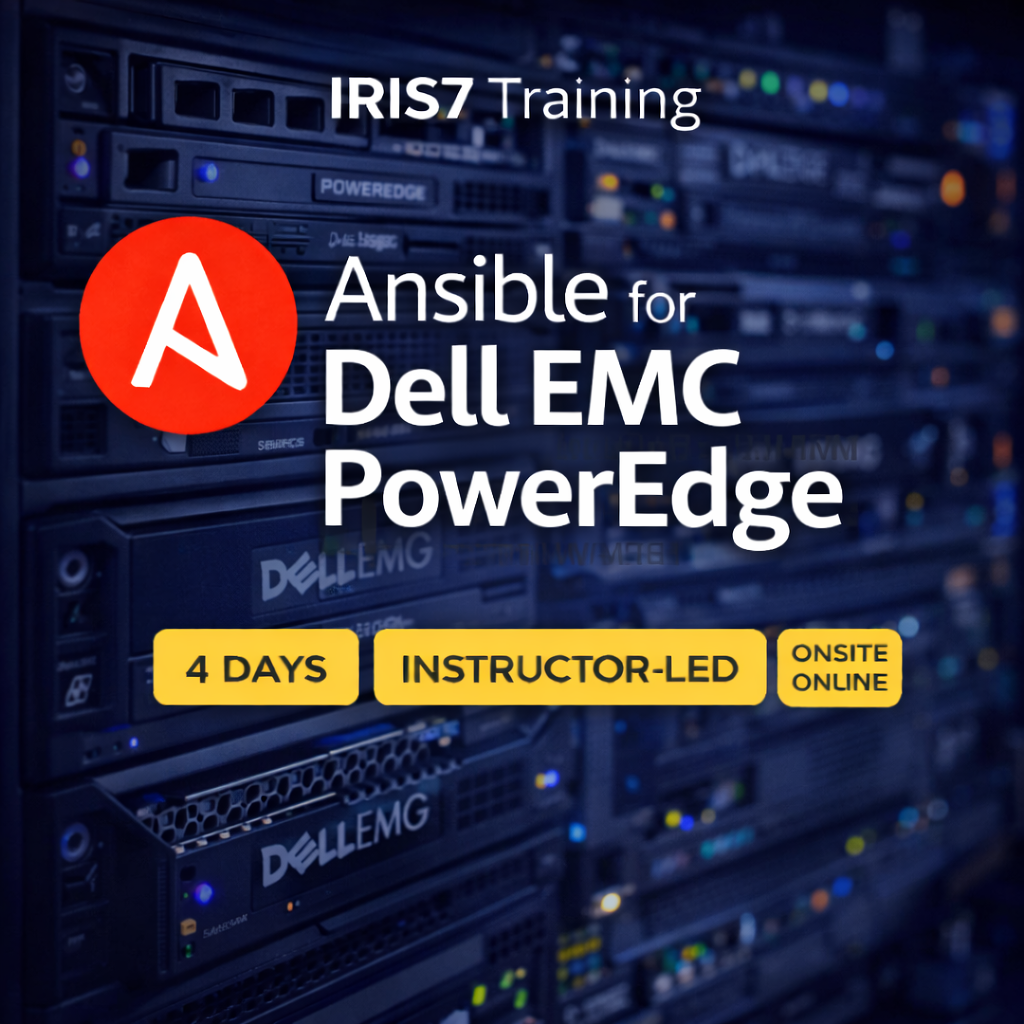
Ansible for Dell EMC PowerEdge
Location: On-Site or Online
Pricing: $1,250 per seat (6-seat minimum)
Length: 4 Days
Course Summary
Ansible for Dell EMC PowerEdge is a practical, hands-on course designed for infrastructure and automation engineers who want to automate server lifecycle operations using Ansible with Dell EMC PowerEdge systems.
Students learn how to design, read, and maintain Ansible playbooks that interact with Dell PowerEdge servers through supported management interfaces and Ansible collections. The course emphasizes real-world operational workflows such as inventory collection, firmware management, BIOS configuration, power control, and integration with broader infrastructure automation pipelines.
By the end of the course, students are comfortable using Ansible to manage PowerEdge servers at scale, reduce manual operational effort, and enforce consistent configuration across enterprise environments.
Course Outline
Day 1 – Ansible Foundations for Server Automation
💬 Lecture: Infrastructure automation and server lifecycle management
💬 Lecture: Where Ansible fits in datacenter and hybrid environments
💬 Lecture: Ansible architecture for infrastructure automation
💬 Lecture: Control nodes, managed nodes, and agentless operation
💬 Lecture: YAML fundamentals for infrastructure playbooks
⚙️ Lab: Installing and validating Ansible
⚙️ Lab: Exploring Ansible documentation with ansible-doc
⚙️ Lab: Creating inventories for server automation
⚙️ Lab: Defining group and host variables
⚙️ Lab: Configuring ansible.cfg for infrastructure workflows
Day 2 – Automating Dell EMC PowerEdge Management
💬 Lecture: Dell PowerEdge management architecture
💬 Lecture: iDRAC fundamentals and out-of-band management
💬 Lecture: Ansible collections for Dell infrastructure
💬 Lecture: Authentication and secure credential handling
⚙️ Lab: Connecting Ansible to PowerEdge servers via iDRAC
⚙️ Lab: Gathering hardware inventory and system facts
⚙️ Lab: Querying BIOS, firmware, and lifecycle controller data
⚙️ Lab: Power operations (power on, power off, reboot)
⚙️ Lab: Validating server state after automation runs
Day 3 – Configuration, Updates, and Day-2 Operations
💬 Lecture: Idempotency and safety in hardware automation
💬 Lecture: BIOS configuration management strategies
💬 Lecture: Firmware lifecycle and compliance
⚙️ Lab: Reading and modifying BIOS settings
⚙️ Lab: Applying configuration changes safely
⚙️ Lab: Checking configuration drift
💬 Lecture: Firmware update workflows and maintenance windows
⚙️ Lab: Performing firmware inventory checks
⚙️ Lab: Automating firmware updates
⚙️ Lab: Coordinating reboots and maintenance tasks
💬 Lecture: Error handling and rollback considerations
⚙️ Lab: Handling failed hardware automation tasks
⚙️ Lab: Using when, block, and rescue for safety
Day 4 – Scalable Automation and Real-World PowerEdge Workflows
💬 Lecture: Automating PowerEdge at scale
💬 Lecture: Inventory design for large server fleets
⚙️ Lab: Running playbooks across multiple PowerEdge systems
⚙️ Lab: Using tags and limits for controlled execution
💬 Lecture: Integrating PowerEdge automation with broader workflows
💬 Lecture: Ansible roles and reusable server automation content
⚙️ Lab: Refactoring playbooks into reusable roles
⚙️ Lab: Parameterizing roles for different server models
💬 Lecture: Testing, validation, and operational best practices
⚙️ Lab: Adding assertions to validate server state
⚙️ Lab: Building a complete PowerEdge automation workflow
⚙️ Lab: Combining inventory, variables, conditionals, and validation
⚙️ Lab: Documenting results and operational procedures
Outcomes
Students who complete Ansible for Dell EMC PowerEdge will be able to:
Automate Dell PowerEdge server management using Ansible
Interact with iDRAC and lifecycle management interfaces programmatically
Collect hardware inventory and validate server state
Manage BIOS configuration and firmware lifecycle safely
Scale server automation across large environments
Apply Ansible best practices to physical infrastructure operations
Location: On-Site or Online
Pricing: $1,250 per seat (6-seat minimum)
Length: 4 Days
Course Summary
Ansible for Dell EMC PowerEdge is a practical, hands-on course designed for infrastructure and automation engineers who want to automate server lifecycle operations using Ansible with Dell EMC PowerEdge systems.
Students learn how to design, read, and maintain Ansible playbooks that interact with Dell PowerEdge servers through supported management interfaces and Ansible collections. The course emphasizes real-world operational workflows such as inventory collection, firmware management, BIOS configuration, power control, and integration with broader infrastructure automation pipelines.
By the end of the course, students are comfortable using Ansible to manage PowerEdge servers at scale, reduce manual operational effort, and enforce consistent configuration across enterprise environments.
Course Outline
Day 1 – Ansible Foundations for Server Automation
💬 Lecture: Infrastructure automation and server lifecycle management
💬 Lecture: Where Ansible fits in datacenter and hybrid environments
💬 Lecture: Ansible architecture for infrastructure automation
💬 Lecture: Control nodes, managed nodes, and agentless operation
💬 Lecture: YAML fundamentals for infrastructure playbooks
⚙️ Lab: Installing and validating Ansible
⚙️ Lab: Exploring Ansible documentation with ansible-doc
⚙️ Lab: Creating inventories for server automation
⚙️ Lab: Defining group and host variables
⚙️ Lab: Configuring ansible.cfg for infrastructure workflows
Day 2 – Automating Dell EMC PowerEdge Management
💬 Lecture: Dell PowerEdge management architecture
💬 Lecture: iDRAC fundamentals and out-of-band management
💬 Lecture: Ansible collections for Dell infrastructure
💬 Lecture: Authentication and secure credential handling
⚙️ Lab: Connecting Ansible to PowerEdge servers via iDRAC
⚙️ Lab: Gathering hardware inventory and system facts
⚙️ Lab: Querying BIOS, firmware, and lifecycle controller data
⚙️ Lab: Power operations (power on, power off, reboot)
⚙️ Lab: Validating server state after automation runs
Day 3 – Configuration, Updates, and Day-2 Operations
💬 Lecture: Idempotency and safety in hardware automation
💬 Lecture: BIOS configuration management strategies
💬 Lecture: Firmware lifecycle and compliance
⚙️ Lab: Reading and modifying BIOS settings
⚙️ Lab: Applying configuration changes safely
⚙️ Lab: Checking configuration drift
💬 Lecture: Firmware update workflows and maintenance windows
⚙️ Lab: Performing firmware inventory checks
⚙️ Lab: Automating firmware updates
⚙️ Lab: Coordinating reboots and maintenance tasks
💬 Lecture: Error handling and rollback considerations
⚙️ Lab: Handling failed hardware automation tasks
⚙️ Lab: Using when, block, and rescue for safety
Day 4 – Scalable Automation and Real-World PowerEdge Workflows
💬 Lecture: Automating PowerEdge at scale
💬 Lecture: Inventory design for large server fleets
⚙️ Lab: Running playbooks across multiple PowerEdge systems
⚙️ Lab: Using tags and limits for controlled execution
💬 Lecture: Integrating PowerEdge automation with broader workflows
💬 Lecture: Ansible roles and reusable server automation content
⚙️ Lab: Refactoring playbooks into reusable roles
⚙️ Lab: Parameterizing roles for different server models
💬 Lecture: Testing, validation, and operational best practices
⚙️ Lab: Adding assertions to validate server state
⚙️ Lab: Building a complete PowerEdge automation workflow
⚙️ Lab: Combining inventory, variables, conditionals, and validation
⚙️ Lab: Documenting results and operational procedures
Outcomes
Students who complete Ansible for Dell EMC PowerEdge will be able to:
Automate Dell PowerEdge server management using Ansible
Interact with iDRAC and lifecycle management interfaces programmatically
Collect hardware inventory and validate server state
Manage BIOS configuration and firmware lifecycle safely
Scale server automation across large environments
Apply Ansible best practices to physical infrastructure operations